
I’ve never worked with Adobe Animate before, so this was a new experience to me. But at the same time not so much, since i have some history with Photoshop, Illustrator and Vegas pro. The tools are familiar, but the workflow is different. It took me some time to get used to the way of working with Animate.
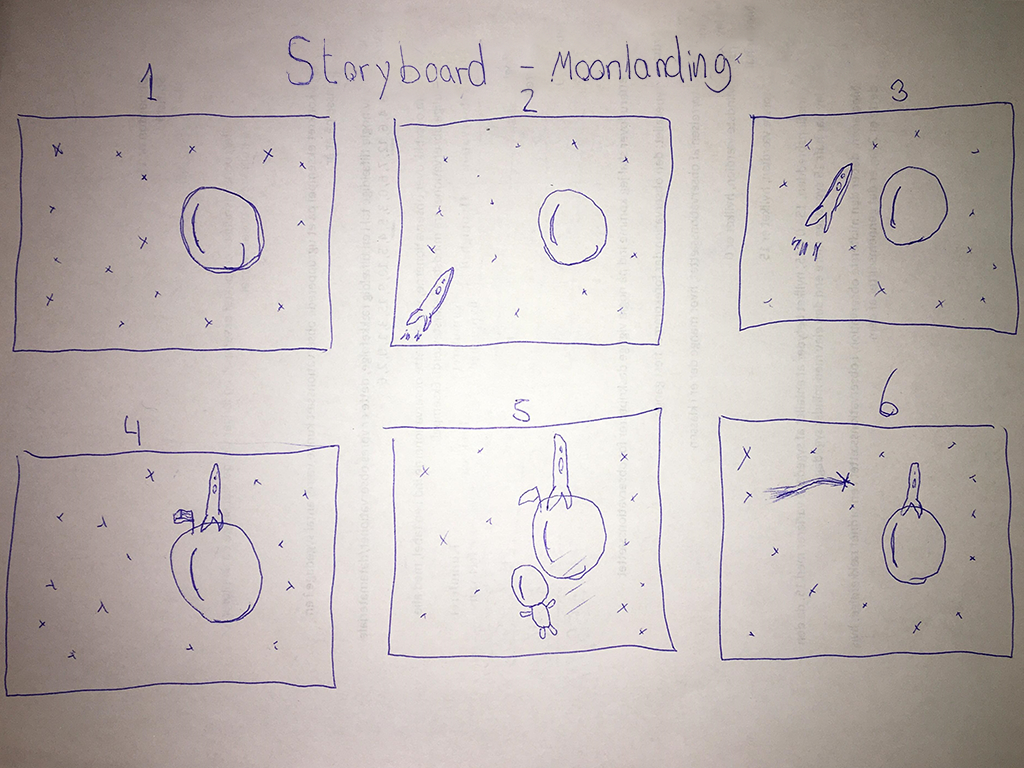
Moonlanding was actually just one of the projects i made to play with the tools and get used to the program. But i liked the simplistic look of the animation, so i decided to keep working on it and make a storyboard. There’s a few improvements that i’ve noticed after looking at the Animation afterwards. The ‘particle effects’ are a bit too scribbled to fit the other components in the Animation, but they took way too long to make. So i had to go with what i made. Luckily since i ran the animation in 24 fps, i isn’t as noticable. I also rushed the spaceman that flies past the frame, so i had to shrink him down to make the details less noticable. In the end i think it worked out good, and i’m satisfied with the result considering the time i had. Everything besides the spaceshap was made in Animate, the spaceship was made in Illustrator